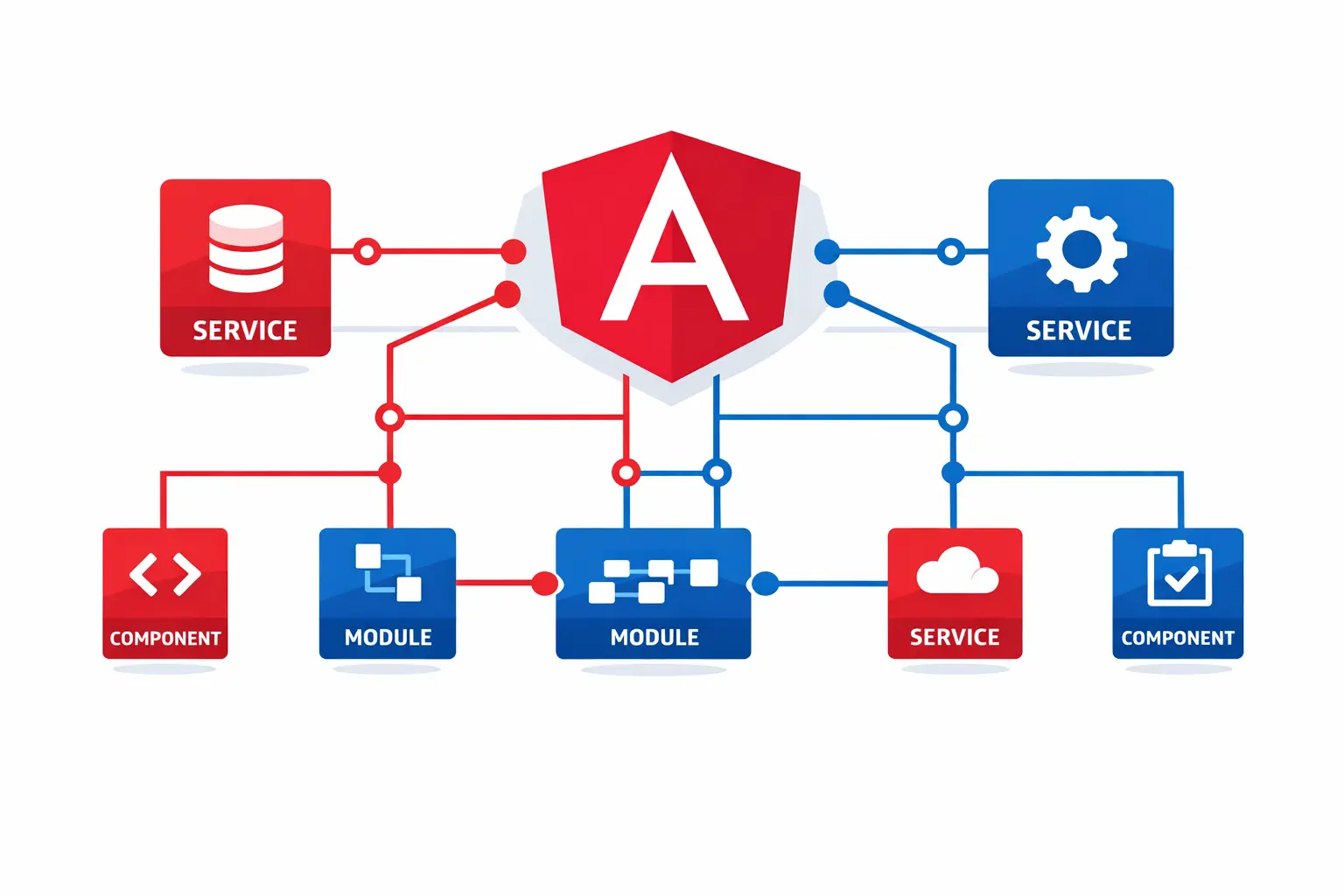
Angular Dependency Injection: A Visual Deep Dive
A comprehensive slide-deck breakdown of Angular DI — from @Injectable to InjectionTokens, injector hierarchy, and advanced resolution strategies like skipSelf and host.
Angular Dependency Injection: A Visual Deep Dive
My last Angular DI post got very less impressions. No engagement. No reach. Nothing. And I sat with that — because I knew the topic was valuable.
The problem wasn't the topic. The explanation was all there — in the video. But let's be honest, nobody waits for a video to get to the point. People scroll past before it even loads.
So I made a proper slide deck this time. Visual. Explained. Actually useful.
Here's what's in it 👇
@Injectable — Keep Components Dumb
Your components should be dumb and your services should do the heavy lifting. The @Injectable decorator is what makes a class available to Angular's DI system.
import { Injectable } from '@angular/core';

@Injectable({ providedIn: 'root' })
export class AnalyticsLogger {
  trackEvent(category: string, value: string) {
    console.log('Analytics event logged:', {
      category,
      value,
      timestamp: new Date().toISOString(),
    });
  }
}
Note: The
providedIn: 'root'option makes this service available throughout your entire application as a singleton. This is the recommended approach for most services.
The Injector Hierarchy — App → Route → Component
This isn't just trivia. Getting this wrong silently breaks your app with shared state you can't trace.
Angular's injector hierarchy works in three levels:
| Level | Scope | Behavior | | -------------- | ---------------- | ------------------------------------ | | App (Root) | Application-wide | Singleton instance shared everywhere | | Route | Route-level | New instance per lazy-loaded route | | Component | Component-level | New instance per component |
When a component requests a dependency, Angular walks up the injector tree. If it finds a provider at the component level, it uses that. Otherwise, it checks the route injector, and finally the root injector.
inject() Over Constructor Injection
The shift that makes your code composable instead of coupled. Angular's inject() function is the modern way to request dependencies:
import { Component, inject } from '@angular/core';
import { Router } from '@angular/router';
import { AnalyticsLogger } from './analytics-logger';

@Component({
  selector: 'app-navbar',
  template: `<a href="#" (click)="navigateToDetail($event)">Detail Page</a>`,
})
export class Navbar {
  private router = inject(Router);
  private analytics = inject(AnalyticsLogger);

  navigateToDetail(event: Event) {
    event.preventDefault();
    this.analytics.trackEvent('navigation', '/details');
    this.router.navigate(['/details']);
  }
}
Where can inject() be used?
You can inject dependencies during construction of a component, directive, or service. The call to inject can appear in either the constructor or in a field initializer:
@Component({ /*...*/ })
export class MyComponent {
  // ✅ In class field initializer
  private service = inject(MyService);

  // ✅ In constructor body
  private anotherService: MyService;
  constructor() {
    this.anotherService = inject(MyService);
  }
}
import { Injectable, inject } from '@angular/core';
import { HttpClient } from '@angular/common/http';
@Injectable({ providedIn: 'root' })
export class MyService {
// ✅ In a service
private http = inject(HttpClient);
}export const authGuard = () => {
// ✅ In a route guard
const auth = inject(AuthService);
return auth.isAuthenticated();
};InjectionTokens — Tree-Shaking for Your DI
The underused feature that gives you automatic tree-shaking and smaller bundles. When Angular can determine that a token is never injected, it strips the associated provider code from the final bundle.
import { InjectionToken, inject } from '@angular/core';

export const API_BASE_URL = new InjectionToken<string>('API_BASE_URL', {
  providedIn: 'root',
  factory: () => 'https://api.example.com',
});

@Injectable({ providedIn: 'root' })
export class ApiService {
  private baseUrl = inject(API_BASE_URL);

  getEndpoint(path: string): string {
    return `${this.baseUrl}/${path}`;
  }
}
skipSelf + host — Precision DI Resolution
For when you need DI to look exactly where you tell it to, not where Angular assumes.
import { Component, inject, SkipSelf, Host, Optional } from '@angular/core';

@Component({
  selector: 'app-child',
  template: `<p>Child component</p>`,
})
export class ChildComponent {
  // Skip the current injector, look at the parent
  private parentLogger = inject(LoggerService, { skipSelf: true });
}

@Component({
  selector: 'app-nested',
  template: `<p>Nested component</p>`,
})
export class NestedComponent {
  // Only look at the host element's injector
  private hostConfig = inject(ConfigService, { host: true, optional: true });
}
Running Code in an Injection Context
Sometimes you need to run code within an injection context outside of construction:
@Injectable({ providedIn: 'root' })
export class HeroService {
  private environmentInjector = inject(EnvironmentInjector);

  someMethod() {
    runInInjectionContext(this.environmentInjector, () => {
      inject(SomeService); // Do what you need with the injected service
    });
  }
}
Full breakdown is in the PDF attached to the original LinkedIn post. Swipe through, stop where it clicks.
Last time the value was buried in a video. This time it's right in front of you. If you're building Angular apps at scale, this one's worth 5 minutes of your time.